The toolbox

Tools that do the breeder work

Every tool has a short guide, so you know exactly what it does before you spend anything. Storing and publishing your dogs is always free — tool runs cost 10 credits.

What's in the toolbox

Five breeder tools, at a glance. Tap one to jump to its full guide below.

Gamechanger Refresh

10 credits per run

Gamechanger Refresh

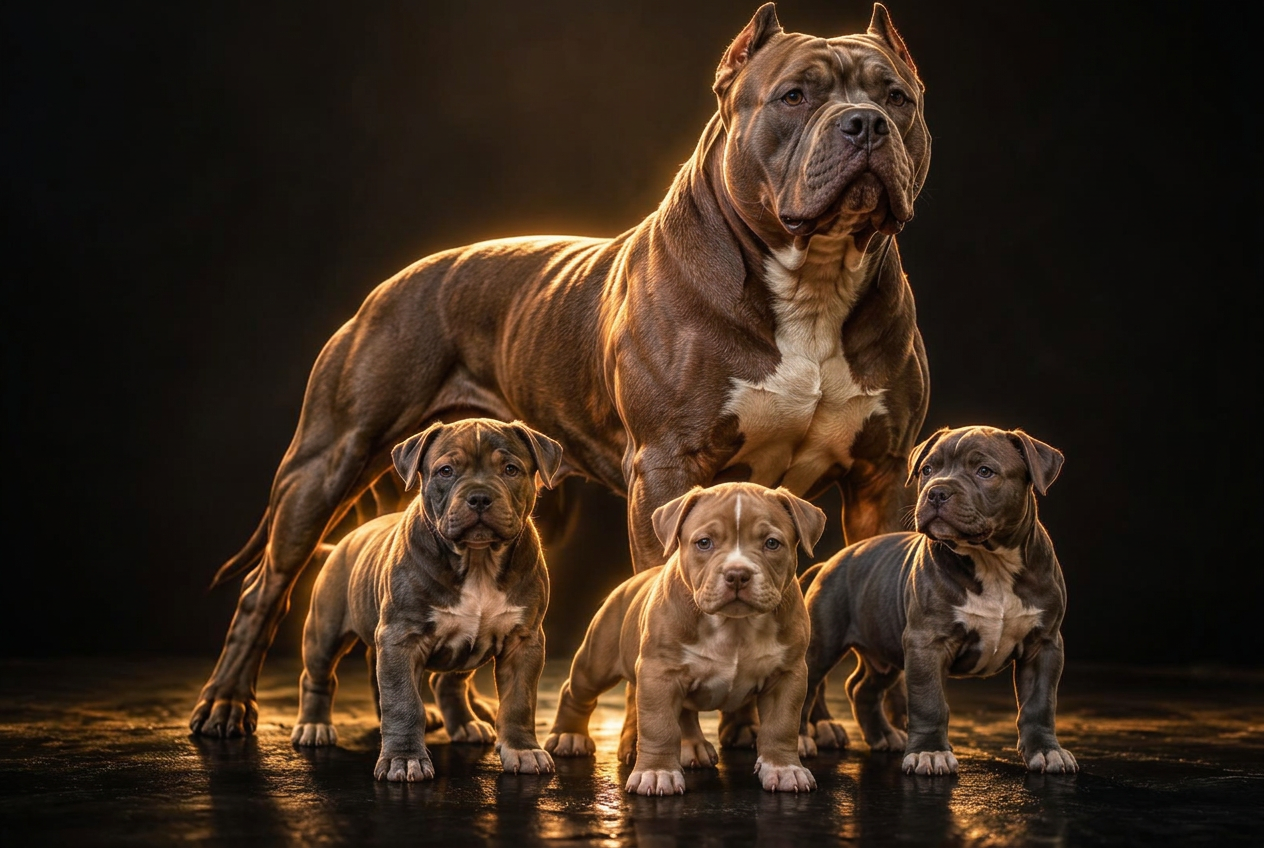
Turn an old, soft or compressed dog photo into a clean professional HD image in one click, while preserving the dog's exact anatomy, proportions, markings and character.

How to use it

  1. 1. Upload any dog photo and frame the full dog
  2. 2. Preview the faithful HD restoration for free
  3. 3. Compare the original and refreshed image
  4. 4. Download it or assign it to one of your dogs for 10 credits
Open Gamechanger Refresh
AI stack judge

10 credits per run

AI stack judge

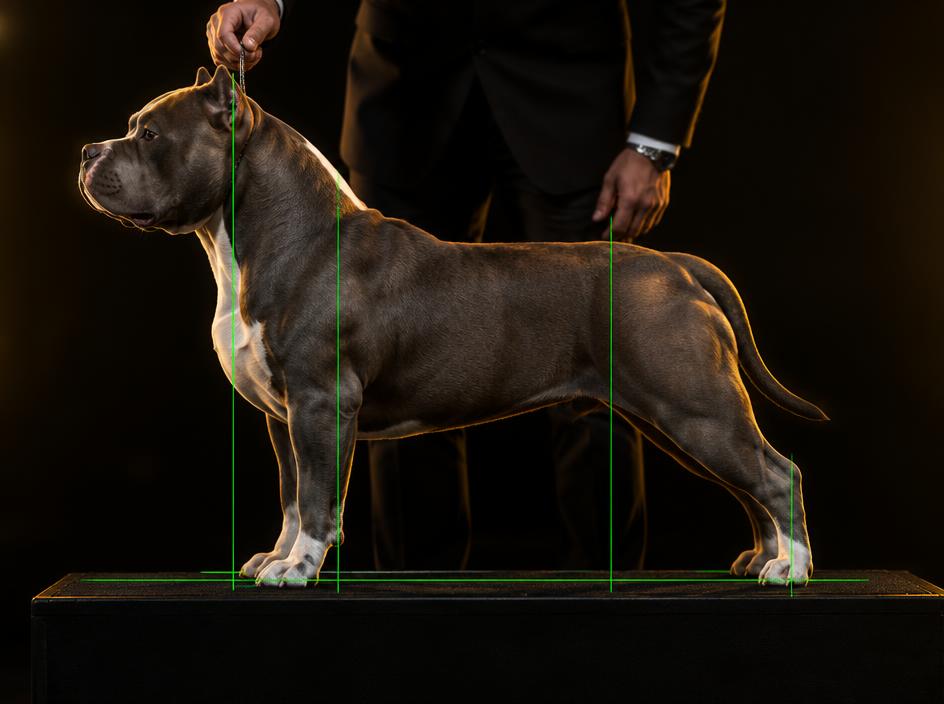
Line your dog up inside the camera guide lines and get a written judge critique against the ABKC or Brazilian Bull standard, with scores per body area and handler drills.

How to use it

  1. 1. Open Stack judge in your kennel workspace
  2. 2. Choose the standard and the dog
  3. 3. Stack the dog inside the green guide lines and capture
  4. 4. Read the critique, then share it on the dog's page if you like it
Open AI stack judge
Pairing & inbreeding check

10 credits per run

Pairing & inbreeding check

Pick a sire and a dam and see relatedness over five generations, pedigree diversity and every shared ancestor before you commit to a breeding.

How to use it

  1. 1. Open Pairing check
  2. 2. Pick the sire and the dam from your register
  3. 3. Unlock the report for 10 credits
  4. 4. Read the inbreeding level and the shared ancestors
Open Pairing & inbreeding check
Heat & pregnancy calendar

Included — no credits

Heat & pregnancy calendar

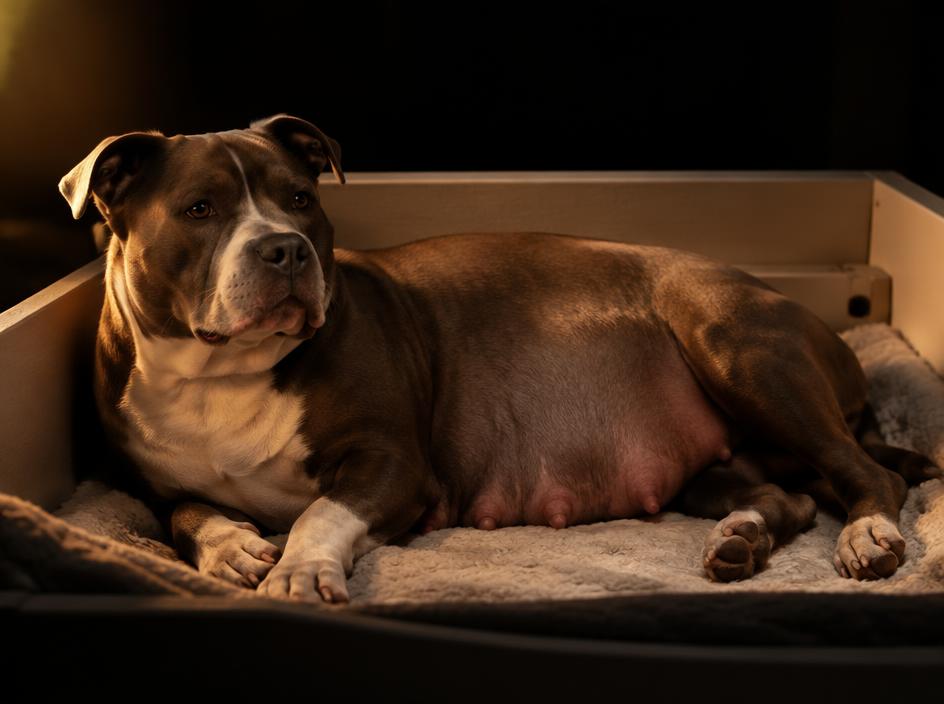
From the mating date you get a day-by-day calendar built on veterinary canine facts — heat window, scan days, whelping preparation and the delivery date.

How to use it

  1. 1. Open Breedings and create a plan
  2. 2. Enter the heat start and mating dates
  3. 3. Follow the calendar tabs for every milestone
  4. 4. Open bookings and take puppy inquiries when you are ready
Open Heat & pregnancy calendar
Pedigree builder & designer

Included — no credits

Pedigree builder & designer

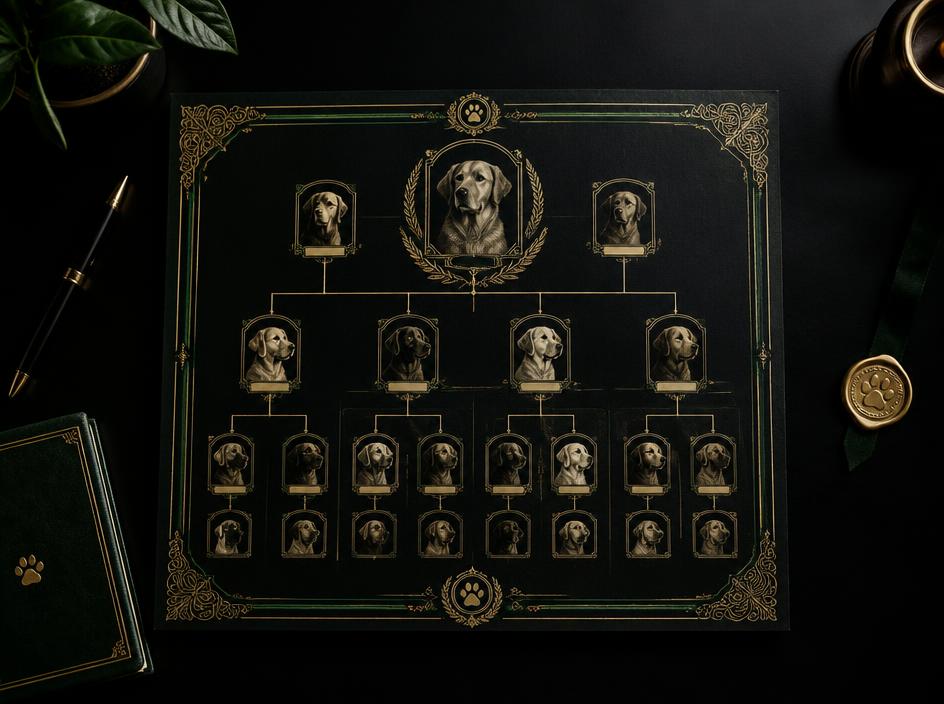
Build a five-generation pedigree in your own style, with photos, health marks and titles, ready to show buyers and breeding partners.

How to use it

  1. 1. Register the dog and its parents
  2. 2. Open the dog's page and the pedigree tab
  3. 3. Choose generations, theme, photos and health marks
  4. 4. Share the page or save the pedigree
Open Pedigree builder & designer

Use the tools on your phone

Goldgamebully installs straight from this page — one tap, own icon, full screen. The camera tools are made for a phone in the ring or the whelping box.